
How to Create a Google Listing for My Business From Scratch
To get your business listed on Google, you'll need to set up a free Google Business Profile account. This means providing your company's name, address, phone number, and business category. Think of this listing as your digital storefront—it’s what makes your business pop up for customers on Google Search and Maps.
Why Your Google Listing Is Your Most Important Digital Asset
Before we jump into the nuts and bolts of setting it all up, it’s crucial to understand just how powerful your Google Business Profile (or GBP) really is. It’s so much more than a simple pin on a map. For most local customers, it's the digital front door to your business.
If you're a restaurant equipment supplier, having a solid GBP isn't just a "nice-to-have"—it's how high-intent buyers find you when they're searching for "commercial ovens near me" or a "restaurant supply store."
This guide isn't about the basics you’ve read a hundred times. We're going to give you a real, actionable strategy. We’ll show you not just how to get listed, but how to forge that listing into a powerful customer-generating tool. A well-managed profile builds trust, puts your inventory front and center, and drives qualified phone calls and showroom visits—often before a potential customer even clicks through to your website.
The Foundation of Local Visibility
Your GBP is the absolute cornerstone of your local search presence. When a potential customer needs a new charbroiler or commercial refrigerator, their journey almost always kicks off with a Google search. A complete, optimized profile ensures you show up the second they're looking to buy.
It gives them immediate answers to their most pressing questions: Are you open right now? Where are you located? Are your reviews any good?
This kind of visibility is a huge piece of a winning what is local SEO strategy. It connects you directly with nearby restaurant owners and food service managers who are actively looking for the equipment you sell.
Turning Clicks into Customers
An incomplete listing is a wide-open door for your competitors. A fully optimized profile, on the other hand, is a conversion machine.
It lets you show off high-quality photos of your showroom, list specific products like charbroilers and convection ovens, and spell out exactly what makes your business the right choice. All this rich information gives customers the confidence they need to pick up the phone or head to your store.
Your Google Business Profile isn’t just about getting found; it’s about getting chosen. It’s your first and best chance to make an impression and convince a local customer that you’re the supplier they need.
The numbers don't lie. Simply claiming and verifying your Google Business Profile can lead to massive, measurable gains. Industry analysis from Search Endurance shows some powerful GBP statistics: fully verified and populated profiles show up in local search results about 80% more often.
Even better, they tend to drive roughly 4× more website visits, 12% more phone calls, and 10% more requests for directions when compared to listings that are left incomplete.
Building Your Profile From the Ground Up
Alright, now that you know why your Google Business Profile is a non-negotiable, let's get it built. Creating a listing that actually brings in customers isn't about some secret technical trick; it's about giving Google clear, accurate, and genuinely helpful information right from the start.
Think of it like pouring the foundation for your physical showroom. If you get it right now, you won't have to deal with cracks and problems down the road.
The whole thing kicks off at google.com/business. The first few steps are pretty simple, just asking for your business name and type. As a restaurant equipment supplier with a showroom people can walk into, you’ll fall squarely into the "Local store" category.
From here on out, the details are everything. Each piece of information you enter is a signal to Google about who you are, what you sell, and which customers you can help. We'll walk through the most important fields one by one, focusing on what works for a business just like yours.
The goal is to seamlessly connect a local chef or restaurant owner searching for equipment with your business. The process is straightforward: they search, Google finds you, and they act—either by calling you or walking through your doors.
This simple journey is what it's all about.

Every single update you make to your profile is designed to make it dead simple for a potential customer to go from searching online to spending money with you.
Choosing Your Business Categories
One of the first—and most critical—decisions you'll make is picking your business categories. This isn’t the place to get creative. It’s about matching what you do with Google's predefined list as perfectly as possible. Mess this up, and you're practically invisible to the right people.
Your primary category is your core identity. For your business, this is a no-brainer: select "Restaurant Supply Store". That one choice tells Google’s algorithm exactly what you are, instantly making you a candidate to show up for high-intent searches like "restaurant supplies near me."
But don't just stop there. Google lets you add secondary categories to capture more niche searches. This is your chance to layer in the other key parts of your business and widen your net.
- Commercial Kitchen Equipment Supplier: This is perfect for snagging searches from buyers looking for the big-ticket, technical stuff.
- Bar Equipment and Supplies: An absolute must if you cater to bars, pubs, or nightclubs.
- Refrigeration Equipment Supplier: This helps you show up for a restaurant owner specifically hunting for a walk-in cooler or a new commercial freezer.
Think of your primary category as the main highway leading to your business. The secondary categories are all the local roads that bring in more targeted, ready-to-buy traffic.
My two cents: Be accurate and thorough, but don't go overboard. Only add categories for services or products that are a real, significant part of your business. Throwing in irrelevant categories just confuses Google and will actually hurt your chances of ranking for the searches that matter most.
Nailing Down Your Name, Address, and Phone Number (NAP)
Next up, Google will ask for your core business info: your Name, Address, and Phone number. In the world of local SEO, we call this your NAP, and keeping it consistent across the web is one of the most powerful ranking factors there is.
Your business name needs to be exactly as it appears on your storefront sign and your legal paperwork. It's really tempting to add keywords like "Best Restaurant Equipment" to your name, but this is a classic mistake called keyword stuffing. It's against Google's rules and can get your profile penalized. If your business is called "Joe's Restaurant Supply," then that's exactly what you should type in. No more, no less.
For your address, it has to be a real, physical location where customers can visit you and where you can receive mail. Using a P.O. box or a virtual office is a massive red flag for Google. It's one of the fastest ways to get your listing suspended, so just don't do it.
Finally, your phone number should be a direct, local line for your business. This helps cement your local authority and gives customers an immediate way to reach out. Make sure it's the same number you have plastered all over your website and other online profiles.
Defining Your Service Area
Even with a physical showroom, you probably deliver, install, and service equipment outside your immediate neighborhood. This is where defining a service area comes in handy. It’s a crucial step for grabbing customers who aren't right next door but are well within your operational reach.
You can set your service area by listing out specific cities, ZIP codes, or even drawing a radius around your physical address. For an equipment supplier, this is gold. A restaurant owner one town over might be looking for a supplier who can deliver and install a new commercial range. A correctly defined service area makes sure your business pops up in their search results.
Just be realistic here. Set your service area based on where you can actually and efficiently serve customers. Claiming you deliver to a city three hours away when you don't is a recipe for bad reviews from frustrated customers. This solid foundation—accurate categories, consistent NAP, and a clear service area—is what sets you up for success with everything that comes next.
Getting Through the Google Verification Process
Once you've filled out all your business details, you’ll hit a crucial checkpoint: verification. Think of it as Google’s way of making sure you’re a real, legitimate business operating exactly where you say you are. This step is non-negotiable and it’s what unlocks your profile’s best features.
Verification can feel like a bit of a roadblock, but it’s a necessary one. It’s how Google maintains the integrity of Maps and local search results, keeping them trustworthy for everyone.
Once you’re verified, you can finally start responding to reviews, turning on messaging, and really digging into optimizing your profile. Until then, your hands are pretty much tied.
Google has a few ways to confirm you're the real deal. The options you see will depend on your business type, location, and what kind of digital footprint you already have.
Navigating the Different Verification Paths
The classic method, especially for brand-new businesses, is the postcard by mail. Google sends a physical postcard with a unique code right to your business address. It usually shows up in about five business days, but don't be surprised if it takes a little longer.
You might also get the option for phone verification, either through an automated call or a quick SMS text to your business number. This is usually offered to businesses that Google already has some history with. If you see this option, jump on it—it’s fast and easy.
Crucial Tip: While you're waiting on that postcard, do not—I repeat, do not—edit your business name, address, or main category. Making any of those changes can reset the clock and force you to start the verification process all over again.
Mastering Video Verification
Lately, video verification has become much more common. It might sound a bit intimidating, but it’s actually a really straightforward way to prove your business is up and running. If Google asks you for this, you’ll just need to record a short, continuous video showing a few key things.
A little prep work here goes a long way. Getting your materials ready beforehand turns this into a simple five-minute task.
Here’s a practical checklist to nail your video recording on the first try:
- Show Your Storefront: Start the video outside. Get a clear shot of your business sign and the building's address. This is ground zero for proving your location.
- Walk Through Your Space: Pan through your dining room, kitchen, or bar area. If you're an equipment supplier, show off the commercial ovens, refrigerators, and charbroilers on your floor. Give Google a tour.
- Display Proof of Business: Grab a utility bill, business license, or even a supplier invoice that clearly shows your business name and address. You'll need to hold it up for the camera to see.
Getting verified is a huge step, but sometimes a perfectly verified profile still doesn't show up in search results right away. If you find yourself wondering why your business isn't showing up on Google, our detailed guide can help you troubleshoot the most common visibility issues.
What to Do When Verification Goes Wrong
Sometimes, things just don't go according to plan. Postcards disappear in the mail, or a video submission gets rejected. Don't panic. These are common hurdles, and they all have solutions.
If your postcard hasn't arrived after two weeks, you can request a new one right from your Google Business Profile dashboard. Before you do, double-check that your address was entered with 100% accuracy, right down to the suite or unit number.
If your video gets rejected, take a close look at Google's requirements. The most common mistakes are poor video quality, not showing everything in one continuous shot, or showing documents that don't perfectly match your profile information. Just fix the issue and resubmit. In this final stretch, patience and precision are your best friends.
Optimizing Your Listing to Outrank Competitors
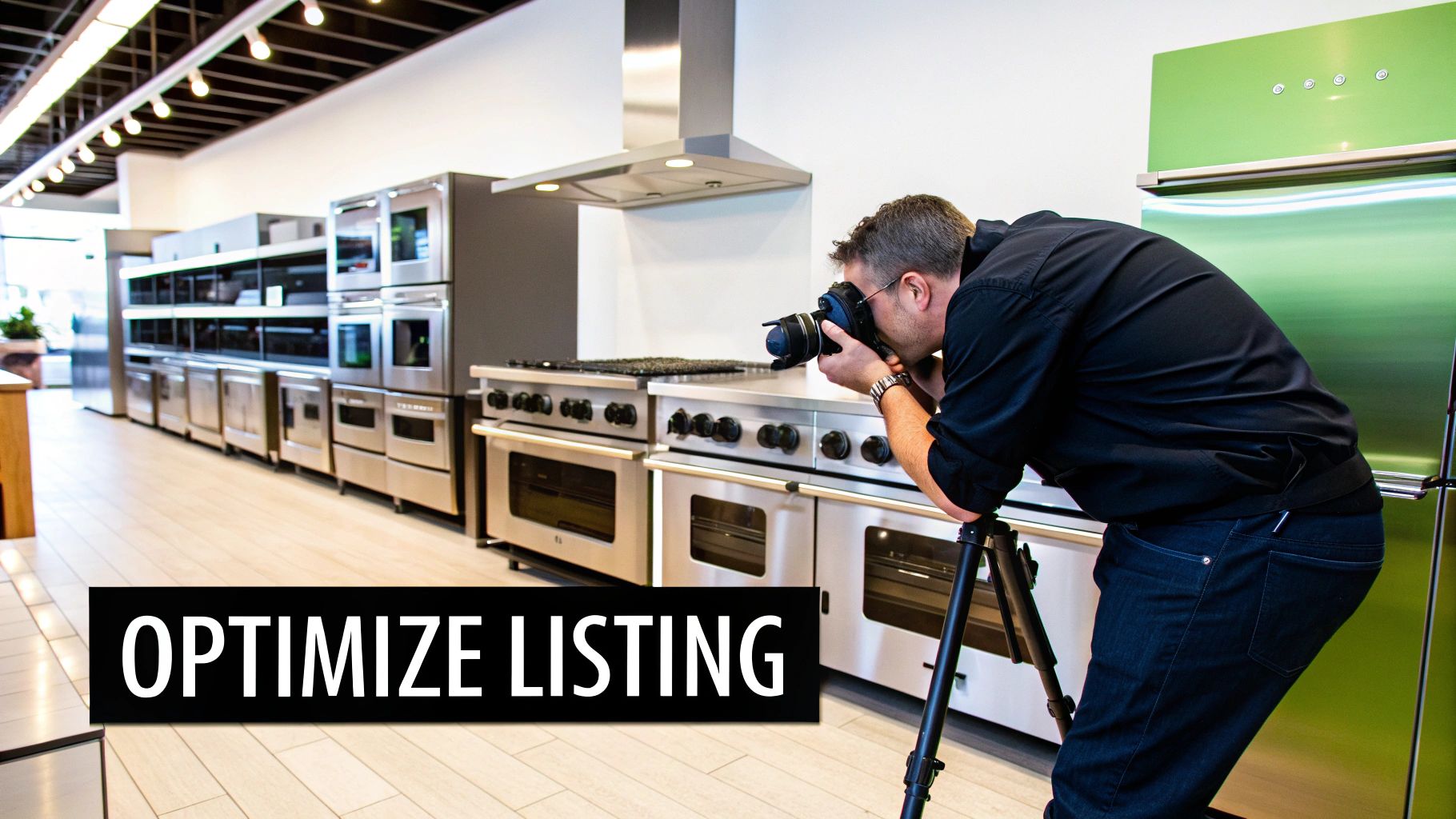
Getting your Google Business Profile verified is a great first step, but it's really just the starting line. Now, it’s time to shift your focus from simply existing online to actively winning new customers. This is where you transform a basic, bare-bones listing into a powerhouse local marketing tool that leaves competitors wondering what you're doing right.
A fully fleshed-out profile does more than just look good. It sends all the right signals to Google's algorithm, showing that your business is active, relevant, and an authority in your field. Think of every detail you add as another piece of evidence telling Google, "Hey, show my business to this chef who needs a new charbroiler!"
Craft a Compelling Business Description
Your business description is your 750-character elevator pitch. This is your chance to tell your story and strategically weave in the keywords your customers are actually searching for.
Don't just list what you sell. Tell people what makes you different. Maybe you offer expert consultations, specialize in outfitting brand-new restaurants, or have the largest inventory of commercial refrigeration in the state. Dig into what sets you apart.
Here’s a real-world example of what that looks like for a restaurant equipment supplier:
"For over 20 years, Metro Kitchen Supply has been the trusted partner for restaurants, bars, and commercial kitchens across the region. We offer a massive in-stock inventory of top-tier restaurant ovens, commercial refrigeration, and durable charbroilers. Our expert team provides personalized consultations to help you design an efficient and productive kitchen. From walk-in coolers to countertop fryers, we have the equipment and expertise to bring your culinary vision to life."
See how that description is packed with keywords but still sounds natural and helpful? It tells customers not just what you sell, but why they should choose you.
Build a Powerful Visual Portfolio with High-Quality Photos
Photos are easily one of the most impactful parts of your profile. Customers want to see what they’re getting before they even think about visiting. A profile loaded with high-quality, relevant images builds instant trust and gives a real sense of your operation.
Remember, anyone can upload a photo to your listing. It's critical that you take control of the visual narrative by uploading your own professional images first.
This isn't just about looking good; it directly impacts customer actions. Businesses with 15 or more photos and complete profiles see a massive increase in interactions. Real-world data shows just how powerful this is: one bakery reported a 45% jump in web traffic and a 60% increase in direction requests after a thorough profile optimization.
Here’s a quick shot list to get you started:
- Your Storefront: A clean, clear shot from the street showing your entrance and signage.
- Showroom Photos: Wide shots that capture the scale of your inventory and how organized your space is.
- Product Close-Ups: High-resolution images of key items like commercial ovens, mixers, and stainless steel prep tables.
- Your Team at Work: Photos of your staff helping customers or working in the warehouse add a human, trustworthy touch.
Detail Your Products and Services
The "Products" and "Services" sections on your profile are absolute goldmines. They let you showcase your specific offerings in detail, turning your listing into a mini-catalog that works for you 24/7. This is far more effective than just hoping customers guess what you carry.
For a restaurant equipment supplier, this is a huge opportunity. Instead of a generic "we sell equipment" statement, create individual product listings for things like:
- Commercial Convection Ovens: Include brand names, key features, and even price ranges.
- Walk-In Coolers: Add details about custom sizing and your installation services.
- Stainless Steel Work Tables: List the various sizes and material grades you have in stock.
Each product you add is another chance to rank for a specific, high-intent search. The more detailed you are, the better Google can match you with a chef searching for that exact piece of equipment.
By meticulously detailing your products, you're not just populating a profile; you're building a comprehensive database that Google can use to answer highly specific customer queries directly in the search results.
This optimization work goes hand-in-hand with other local SEO efforts, like ensuring your business name, address, and phone number are consistent everywhere online. This consistency is a major trust signal for search engines, and you can learn more by checking out our guide on local citation building.
To help you stay on track, we've put together a simple checklist of the most important optimization tasks. Work through these items to ensure your profile is primed for maximum visibility.
GBP Optimization Checklist for Restaurant Equipment Suppliers
| Optimization Element | What to Do | Why It Matters for Local SEO |
|---|---|---|
| Business Name | Ensure it matches your official, real-world business name exactly. No extra keywords. | Consistency builds trust with Google and customers. Keyword stuffing can get you penalized. |
| Categories | Select a primary category (e.g., "Restaurant Supply Store") and all relevant secondary ones. | This is the single most important factor for showing up in discovery searches. |
| Service Area | If you deliver or service a specific region, define it clearly. | Tells Google exactly which geographic areas you serve, helping you rank in those locations. |
| Photos & Videos | Upload at least 15 high-quality images and a short video tour if possible. | Visuals dramatically increase engagement, clicks, and direction requests. |
| Business Description | Write a compelling 750-character description with your core keywords. | Your chance to sell your story and expertise while reinforcing what you do for Google. |
| Products Section | Add your top-selling products with photos, descriptions, and prices. | Creates individual ranking opportunities for specific equipment searches. |
| Services Section | List all services offered, like "Delivery," "Installation," and "Kitchen Design." | Helps you capture searches for services, not just products. |
| Attributes | Select all applicable attributes (e.g., "Woman-owned," "Offers delivery"). | These quick tags help you stand out and answer customer questions at a glance. |
| Q&A Section | Proactively ask and answer common customer questions yourself. | Positions you as an expert and lets you control the narrative. |
| Google Posts | Regularly share updates, offers, and new product arrivals. | Signals to Google that your business is active and gives customers a reason to check back. |
Completing everything on this checklist will put you light-years ahead of most competitors. It's an ongoing process, but the payoff in local search visibility is well worth the effort.
Leverage Attributes to Stand Out
Finally, don't sleep on "Attributes." These are the quick, descriptive tags that give customers vital info at a glance. They show up as small icons or text highlights on your profile and can be the deciding factor for someone choosing between you and a competitor.
While some are universal (like "Wheelchair accessible entrance"), others are more specific. For your business, relevant attributes could include:
- Veteran-led
- Woman-owned
- Offers delivery
- Appointment required
Selecting every attribute that applies helps you connect with niche audiences and adds another layer of detail that makes your profile more complete. If you're managing profiles for several locations, scaling these efforts is key. You can explore this comprehensive guide to local SEO for multiple locations to nail down your strategy. Taking the time to optimize every section is what elevates you from being just another listing to becoming the clear local authority.
Keeping Your Profile Active and Engaging
Once you create a Google listing for your business, the real work begins. Getting verified and optimized is the first step, but your profile isn't a static brochure you can just set and forget. Think of it as a living, breathing tool that thrives on consistent activity.
Google's whole game is about connecting searchers with active, reliable local businesses. When you regularly update your profile, you're sending strong signals that you're engaged and open for business. This ongoing effort is what separates the top-ranking profiles from all the others that get lost in the noise.
The good news? This doesn't require hours of your time every day. A small, consistent effort can transform your listing into a powerful channel for customer service and lead generation. It's a surprisingly simple way to get a major leg up on the competition, especially since so many businesses drop the ball here.
It's shocking, but some studies estimate that up to 60% of businesses haven't posted on their profiles recently. When you consider that complete and active profiles get up to 7× more clicks and are seen as more trustworthy, this is a huge missed opportunity. You can discover more insights about local SEO statistics on wiserreview.com to see the full picture.
Your Weekly Management Checklist
To make this feel manageable, just think of it as a simple weekly checklist. Carve out 15-20 minutes a week, and you can keep your profile vibrant and effective.
- Publish One Google Post: Announce a new product arrival, showcase a special promotion, or share an article from your website's blog.
- Respond to All New Reviews: Thank every positive reviewer by name and address any negative feedback professionally. This shows potential customers you're listening.
- Answer a Customer Question: Pop into the Q&A section and answer any new queries. If it's quiet, add one of your own FAQs to provide helpful info upfront.
The goal isn't to be online 24/7. It's to be consistent. This steady stream of activity tells Google that your business is open, active, and paying attention to its customers—all are positive ranking signals.
Leverage Google Posts for Your Business
Google Posts are a fantastic way to spotlight what’s happening in your business right now. For a restaurant equipment supplier, the possibilities are endless and can be incredibly specific.
Go beyond simple "we're open" announcements. You want to offer real value that positions you as a local authority on commercial kitchen equipment. This is how you build trust and keep potential customers engaged with your brand.
Here are some industry-specific ideas to get you started:
- Spotlight a New Product: "Just in: The new line of Vulcan convection ovens, featuring faster pre-heat times. Stop by the showroom for a demo!"
- Share an Industry Tip: "Quick Tip Tuesday: Extend the life of your commercial refrigerator by cleaning the condenser coils monthly. Here's a quick how-to."
- Announce a Special Offer: "This week only, get 10% off all stainless steel prep tables. Mention this post to claim your discount!"
- Provide a Behind-the-Scenes Look: "Take a peek at our team unloading a fresh shipment of charbroilers. These won't last long!"
Respond to Every Single Review
Your online reputation is built one review at a time. Responding to every single one—good, bad, or indifferent—is non-negotiable. Positive reviews are a chance to thank a happy customer and reinforce what you do well.
Negative reviews, while tough to see, are your opportunity to demonstrate incredible customer service. A prompt, professional response that acknowledges the issue can often turn a bad experience around. More importantly, it shows future customers that you care about getting things right.
Proactively Use the Q&A Feature
Don't just wait for customers to ask questions. Use the Q&A feature to build your own FAQ library right on your profile. Think about the common questions you get over the phone or from customers in your showroom.
Ask the question from a customer's perspective, then immediately jump in and answer it with a clear, helpful response from your business account. This saves your team time and gives customers instant answers, removing any friction between them and a purchase.
Your Top Google Business Profile Questions, Answered
Even with a perfectly polished Google Business Profile, you're going to have questions. Let's be honest, managing the day-to-day of your listing can throw some curveballs. So, let's walk through a few of the most common issues that pop up for restaurant equipment suppliers.
Getting straight answers helps you handle your profile with confidence instead of guesswork.
How Do I Handle a Fake Negative Review?
There’s nothing more frustrating than seeing a one-star review from someone you know has never been a customer. It feels unfair, and while you can't just click a "delete" button, you’re not powerless.
Your first move is to respond publicly. The key is to stay professional and calm. A great response looks something like this: "Thank you for your feedback. We've checked our records and can't seem to find a customer matching your name. We take all feedback seriously and would love to resolve this. Could you please contact our store directly?"
This shows real customers you’re on top of things. After you post your reply, it's time to flag the review. Click the three little dots next to it and select "Report review." You'll usually choose "This is spam" or "Conflict of interest." Just be prepared for a bit of a wait—this process can take days or even weeks, and unfortunately, removal isn't guaranteed.
Can I Change My Business Address After Verification?
Yes, but you need to be careful here. Changing your address after you're already verified will almost certainly trigger a re-verification from Google. They need to be sure your new location is legit, so expect to go through the postcard, phone, or video verification process all over again.
My advice: Before you touch the address in your Google Business Profile, update it on your website and other key online directories first. When Google sees that consistency across the web, it makes the re-verification process much smoother and lowers the risk of your listing getting suspended for conflicting info.
What if Another Business Has a Similar Name?
This happens all the time, especially in competitive local markets. If another dealer has a similar name and is creating confusion for customers, the best way to fight back is to make your profile undeniably, unmistakably yours.
The goal is to leave no doubt in the minds of Google or your customers about who you are. Make sure your profile is packed with:
- A ton of high-quality photos showing off your unique showroom, warehouse, and team.
- Plenty of genuine, positive reviews that specifically mention your products and top-notch service.
- An active Google Posts feed highlighting your current inventory, special offers, and news.
These aren't just vanity metrics. Each one helps build a distinct and authoritative identity that makes you stand out. When you consistently show up with fresh, helpful content, you make it easy for customers to find the right business—yours.
At Charbroilers.com, we know that having the right equipment is just as critical as having a strong online presence. A powerful charbroiler can be the heart of your kitchen, delivering that signature smoky flavor and perfect grill marks customers crave. Whether you need a compact countertop model for a small cafe or a heavy-duty floor unit for a bustling steakhouse, we have the high-quality charbroilers to elevate your menu. Explore our collection today and find the perfect addition to your kitchen.